Structure
Layouts decide how confident visitors feel navigating your story
Structure lands before styling: navigation posture, grid balance, and split storytelling all signal whether you feel consultative, editorial, or conversion-led. Pair these patterns with Themes to see the full picture.
Navigation posture
Pick the navigation attitude that fits how buyers expect to explore
Split rails feel productive. Center marks feel ceremonial. Underline treatments feel editorial. Tap a tab in each preview—Contact opens the showroom inquiry with your selections.
Anchors logo and actions across the horizon—perfect when people scan for outcomes fast.
Slows the tempo on purpose—ideal when the emblem is part of the romance.
Keeps chrome minimal while signalling exactly where readers landed.
Section rhythm
Symmetric stability versus asymmetric pull
Choose whether your story feels evenly grounded or deliberately pulled toward one hero moment.
Predictable scanning
Ideal for comparisons, tier lists, and enterprise cadence—easy to project on a screen in a conference room.


Directed focal pull
Rewards large hero photography with supporting tiles—perfect for launches and flagship narratives.


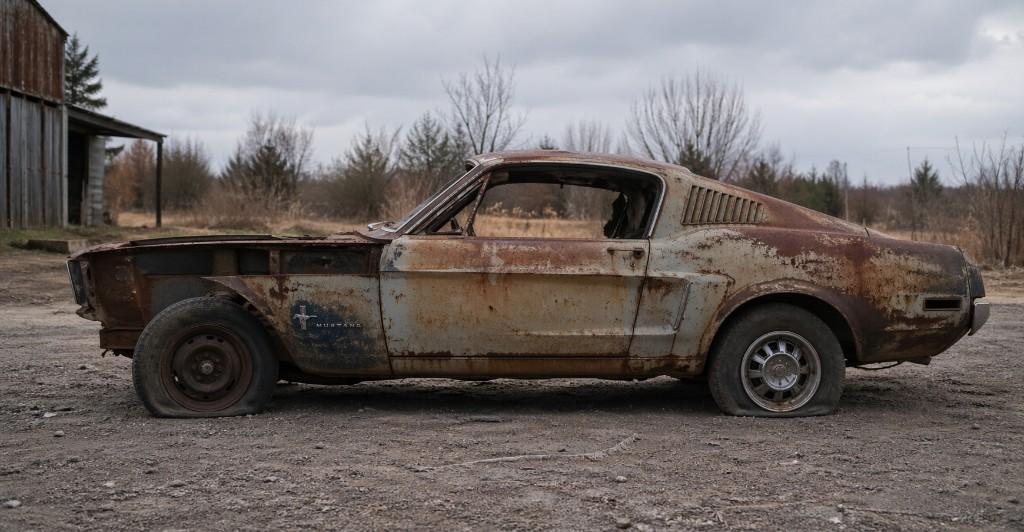
Pair photography with narrative columns for premium offers.
Side-by-side layouts feel consultative—great when buyers compare you with two other finalists on the same Zoom screen.
Navigation compresses with intent—not mystery meat menus.
Resize this showroom: breakpoints step typography and spacing instead of arbitrarily collapsing layouts. Bring stakeholders back to the guided tour to feel the full sequence.